In short
Many Google Business Profiles are incomplete, so they rank poorly and give customers little reason to call.
Complete every section, choose the right categories, write a keyword-aware description, upload real photos, collect reviews and keep the profile active.
To optimise your Google Business Profile, complete every field, pick accurate categories, write a clear description, add real photos and keep collecting reviews.
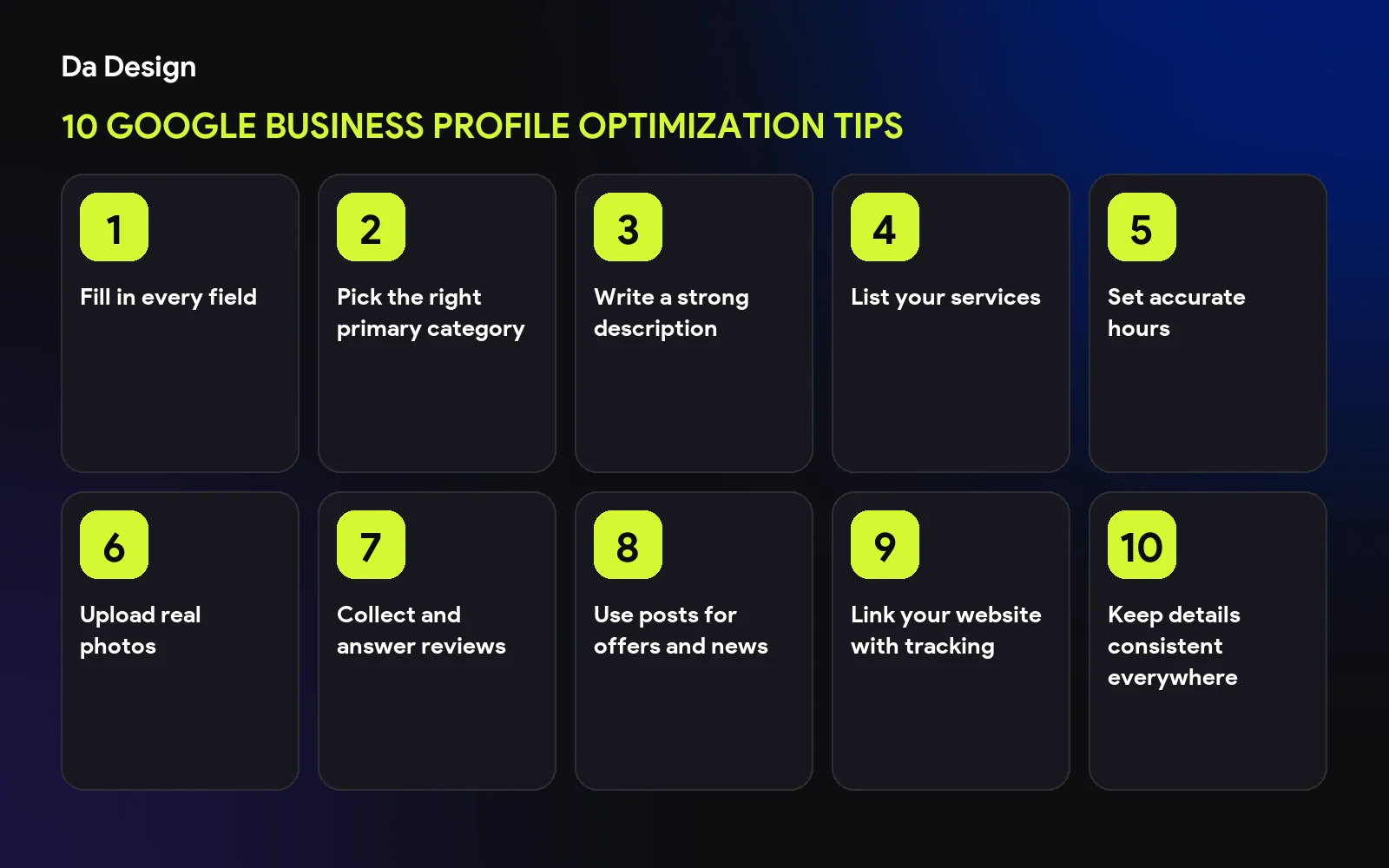
Fill in every field#
Complete profiles give Google more to match and customers more to trust.
Pick the right primary category#
Choose the category that best describes your main service.
Write a strong description#
Lead with name, category and location, then services. Full steps are in our description guide.
List your services#
Add each service with a short, clear description.
Set accurate hours#
Include holiday hours so customers are never misled.
Upload real photos#
Show your work, team and location. Genuine photos beat stock images.
Collect and answer reviews#
Ask happy customers and reply to everyone.
Use posts for offers and news#
Short, regular updates show the business is active.
Link your website with tracking#
Use a tagged link so you can see profile visits in analytics.
Keep details consistent everywhere#
Match your name, address and phone to your site and directories. More in 10 local SEO tips for small businesses in India.
save this checklist
- Every field completed
- Right primary category
- Description written
- Real photos uploaded
- Reviews answered
Next#
Need a site to support your profile? See our web services.
- google-business-profile
- local-seo
- seo
- small-business
Common questions
Is Google Business Profile free?
Yes, creating and managing a profile is free.
How often should I update it?
Check details whenever they change and add photos or posts regularly.
Can I hide my address?
Service-area businesses can hide their address, following Google's guidelines.
Share this
One click opens LinkedIn with a ready-written post: a hook, the short version of this guide and the link. The caption is also copied, so you can paste it if it does not appear.
Instagram has no web share link, so this gives you both pieces: copy the caption, save the card, then post it.
Keep reading
10 Local SEO Tips for Small Businesses in India
Ten practical local SEO tips for Indian small businesses: Google Business Profile, reviews, city pages, citations and mobile speed, in plain language.
How to Write a Google Business Profile Description That Gets More Leads
A 30-second Google Business Profile fix: what to put in your 250-character description, in what order, and why your first line matters most.
10 Things Every Small Business Website Needs
A practical checklist of the 10 essentials every small business website needs, from a clear headline and mobile design to trust signals, SEO basics and a working contact path.
Got this problem too?
Websites, web apps and SaaS products in React and Next.js, with the backend, payments and integrations they need to actually run a business.