In short
A slow website loses visitors before they read a word, and it can hurt search visibility.
Most speed gains come from a few fixes: smaller images, fewer third-party scripts, caching, good hosting, modern formats and loading only what the page needs.
The fastest wins for website speed are compressing images, removing unused scripts and using good hosting with caching. Do these first, then work through the rest.
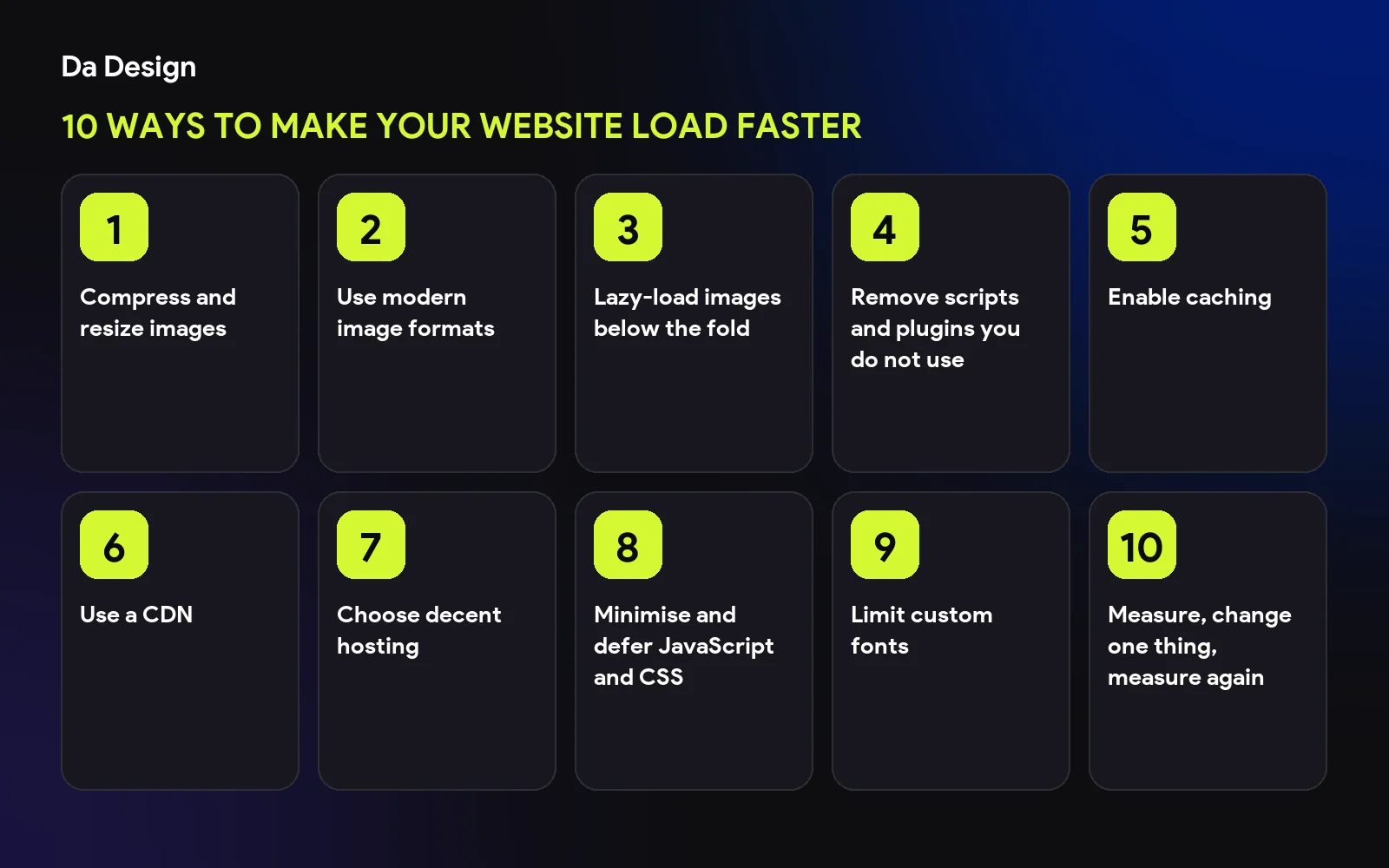
Compress and resize images#
Images are usually the heaviest part of a page. Resize them to the size they are shown and compress them before uploading.
Use modern image formats#
WebP and AVIF are much smaller than older formats at similar quality.
Lazy-load images below the fold#
Load images only when the visitor scrolls near them, so the top of the page appears first.
Remove scripts and plugins you do not use#
Every tracker, widget and plugin adds weight. Keep only what earns its place.
Enable caching#
Caching lets returning visitors reuse files instead of downloading them again.
Use a CDN#
A content delivery network serves files from a location near the visitor, which helps when customers are across India or abroad.
Choose decent hosting#
Cheap, overloaded hosting slows every page. Pick hosting that matches your traffic.
Minimise and defer JavaScript and CSS#
Ship less code and load non-critical scripts after the page is usable.
Limit custom fonts#
Use few font weights, and make sure text shows while fonts load.
Measure, change one thing, measure again#
Test before and after each change so you know what helped. See why speed matters in 10 things every small business website needs.
save this checklist
- Images compressed
- Modern formats used
- Unused scripts removed
- Caching and CDN on
- Speed re-tested on mobile
Need it done?#
Speed is much easier when it is built in from the start. See our web development work.
- website-speed
- performance
- core-web-vitals
- seo
Common questions
How fast should a website load?
As fast as you can make it, especially on mobile. Aim for the main content to appear in a couple of seconds on an average phone connection.
How do I test my website speed?
Use free tools such as PageSpeed Insights or Lighthouse, and also open the site on a real phone.
Does speed affect SEO?
Page experience is one of the signals Google considers, and slow pages also lose visitors directly.
Share this
One click opens LinkedIn with a ready-written post: a hook, the short version of this guide and the link. The caption is also copied, so you can paste it if it does not appear.
Instagram has no web share link, so this gives you both pieces: copy the caption, save the card, then post it.
Keep reading
10 Google Business Profile Optimization Tips
Ten Google Business Profile optimization tips to rank higher in local search and win more calls, from categories and description to photos and reviews.
10 Local SEO Tips for Small Businesses in India
Ten practical local SEO tips for Indian small businesses: Google Business Profile, reviews, city pages, citations and mobile speed, in plain language.
10 Next.js SEO Tips for Developers
Ten Next.js SEO tips: metadata, sitemaps, canonical URLs, structured data, image optimisation and avoiding the 'crawled, currently not indexed' trap.
Got this problem too?
Websites, web apps and SaaS products in React and Next.js, with the backend, payments and integrations they need to actually run a business.