In short
The company retreat had no teaser at all, and the team knew nothing about it. A mascot sitting in still images was not enough to build excitement, and a plain announcement would have been forgettable.
Storyboard a short story first, with the beaver in a panic because the venue has been demolished and it has to rebuild it. Then generate each shot from a first and last frame with AI video tools, and cut the clips into one welcoming retreat teaser.
In the last post I explained how the Concept Dash beaver was designed. This one is about the first video I made with it: a teaser for our company retreat.
The problem: there was no teaser#
The retreat was coming up and there was no teaser for it. Nobody on my team knew I was working on one. I wanted something that would make people feel the retreat before it happened, not just read the date.
By then the beaver had already been accepted internally as our character. But a character in still images only goes so far. When people see the same character move and act in a video, they react very differently. That is what I wanted to get out of it.
Step 1: Storyboard the story#
I did not start with any AI tool. I started with a question: what would the beaver actually do in a retreat teaser?
My idea was a small panic. The beaver arrives to get things ready for the new retreat, and the place has been demolished. It has to rebuild it, put everything back together, and get it ready for everyone.
That gave the video a story with a beginning, a problem and a payoff:
- The panic. The beaver discovers the venue is gone.
- The rebuild. It gets to work, in character: hard hat on, tools out.
- The welcome. The place is ready, and the beaver welcomes everyone to the new retreat.
It also suits the character. A beaver that builds things, for a company that works in construction.
I drew the storyboard shot by shot, deciding how the beaver would act in each one.
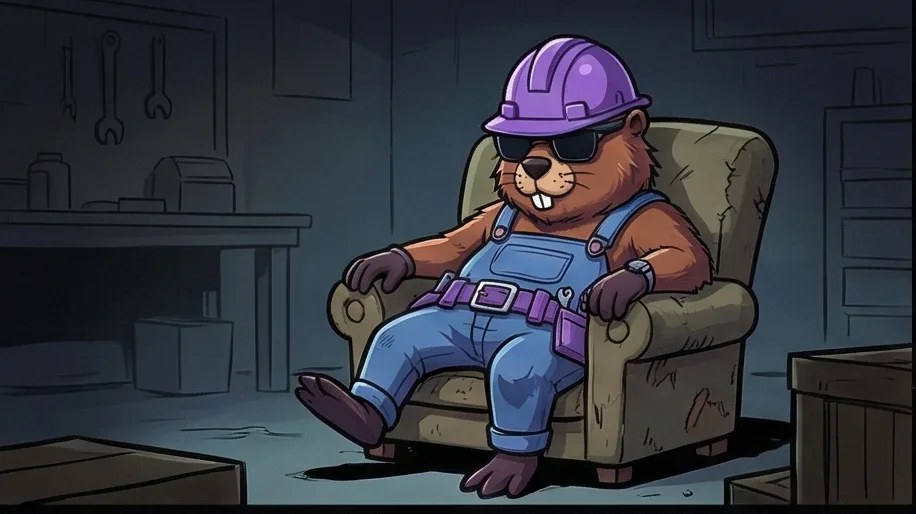 01
01The beaver, relaxed in an old armchair, with no idea what is coming 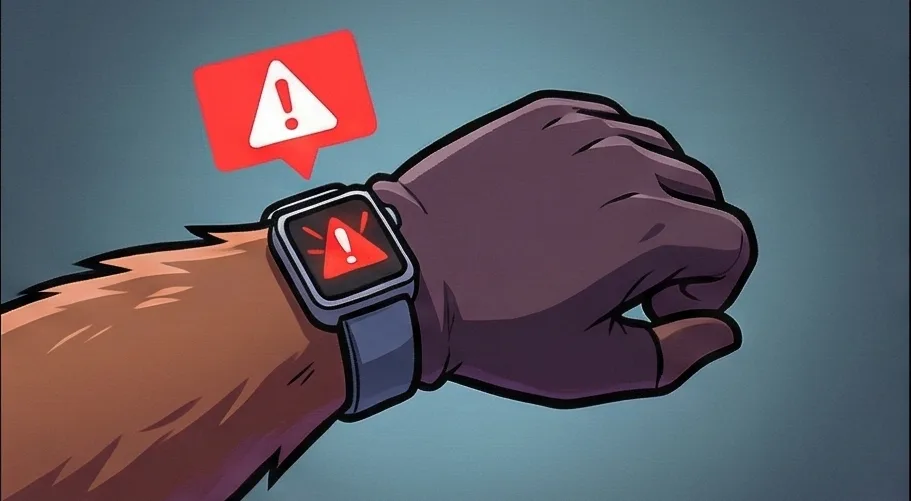 02
02An alert flashes on its smartwatch 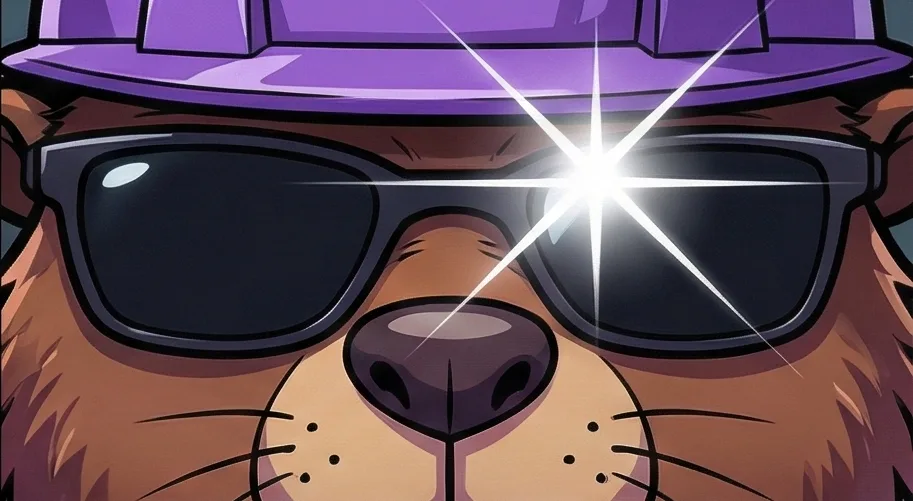 03
03The reaction: a close-up, and a flash on the sunglasses 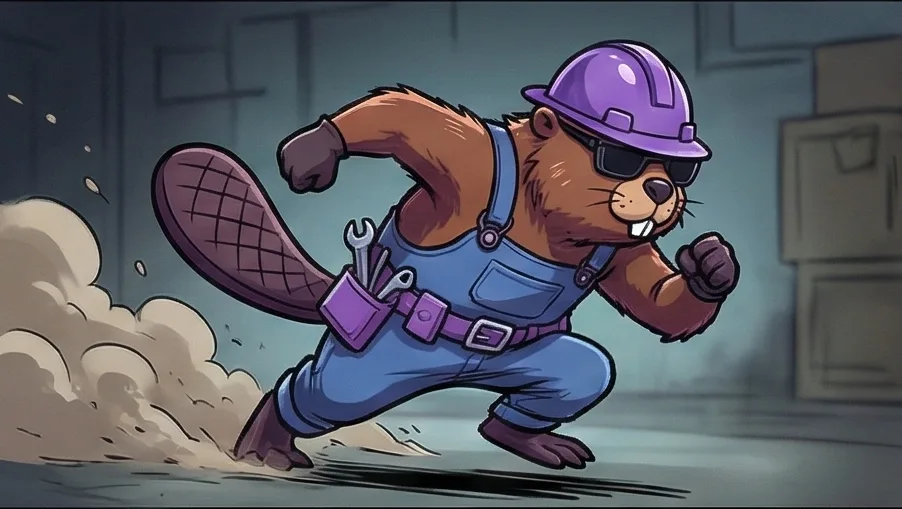 04
04It runs, dust flying 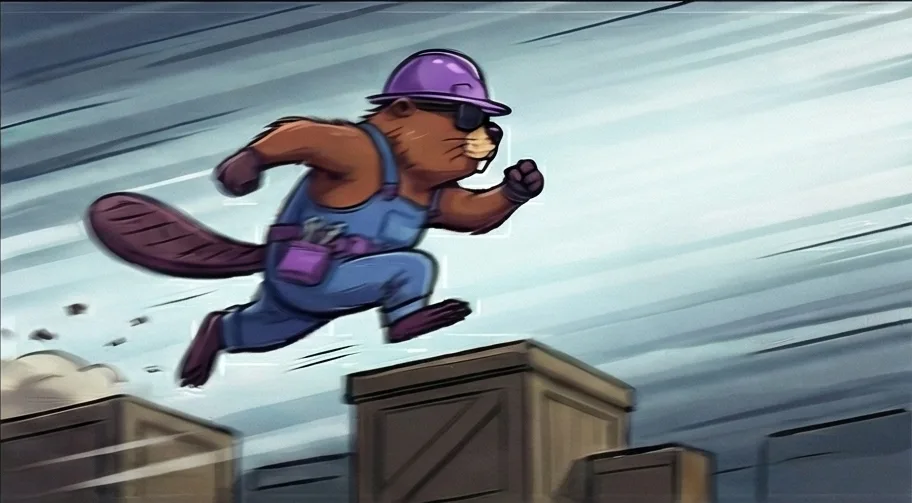 05
05It leaps across the crates, racing to get there 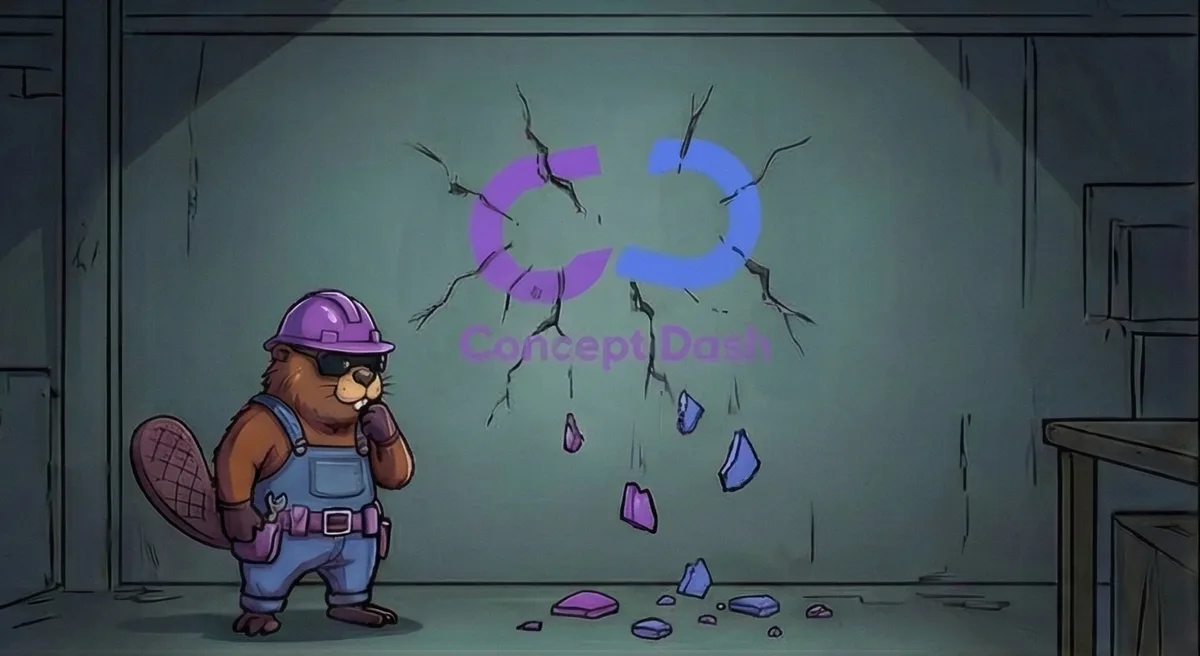 06
06The wall: the Concept Dash logo is cracked and falling apart 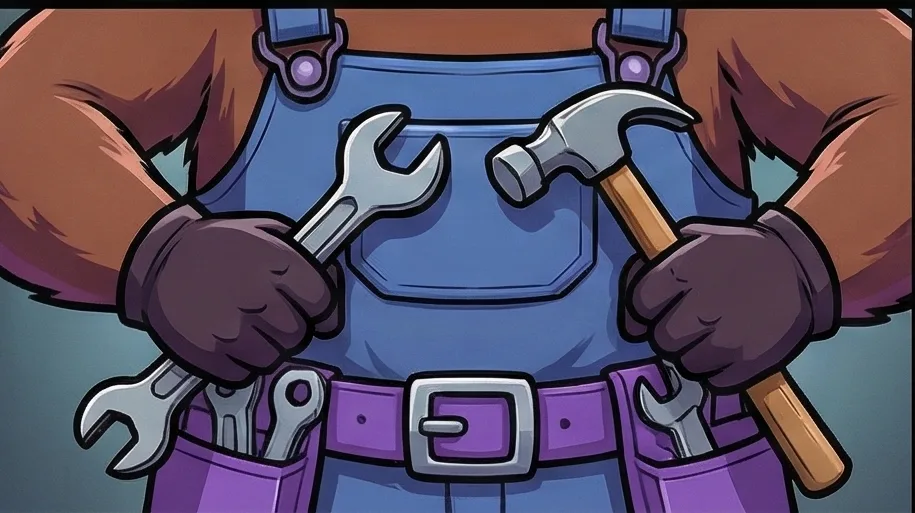 07
07Tools out: a wrench and a hammer 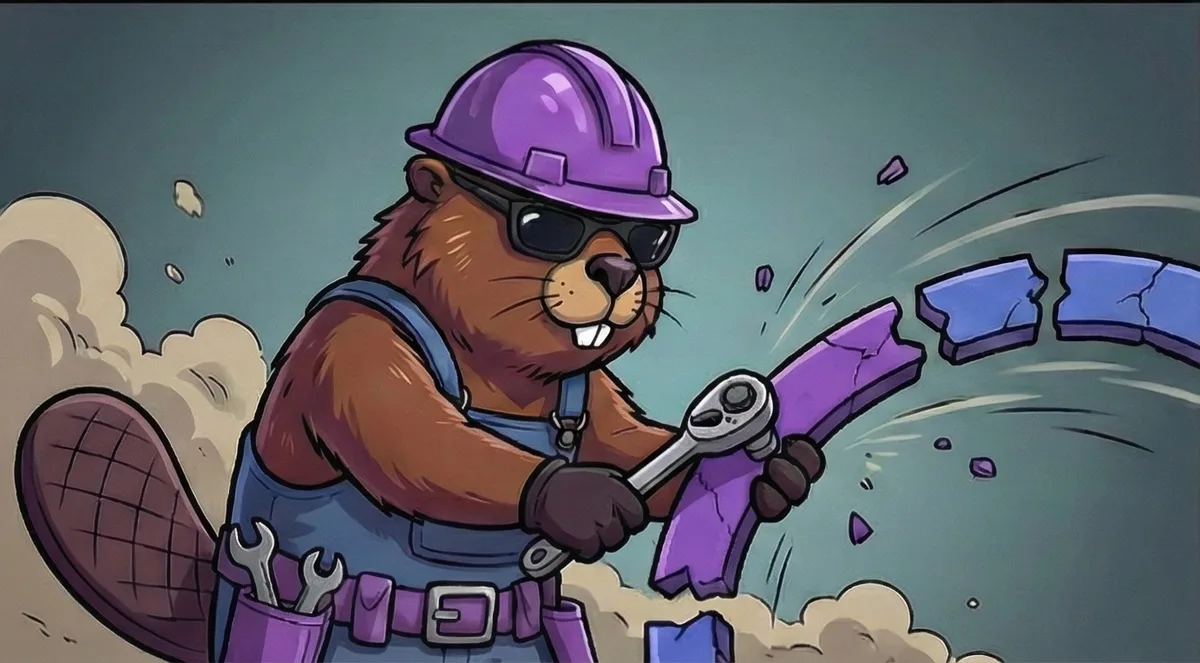 08
08Taking the broken pieces of the logo in hand 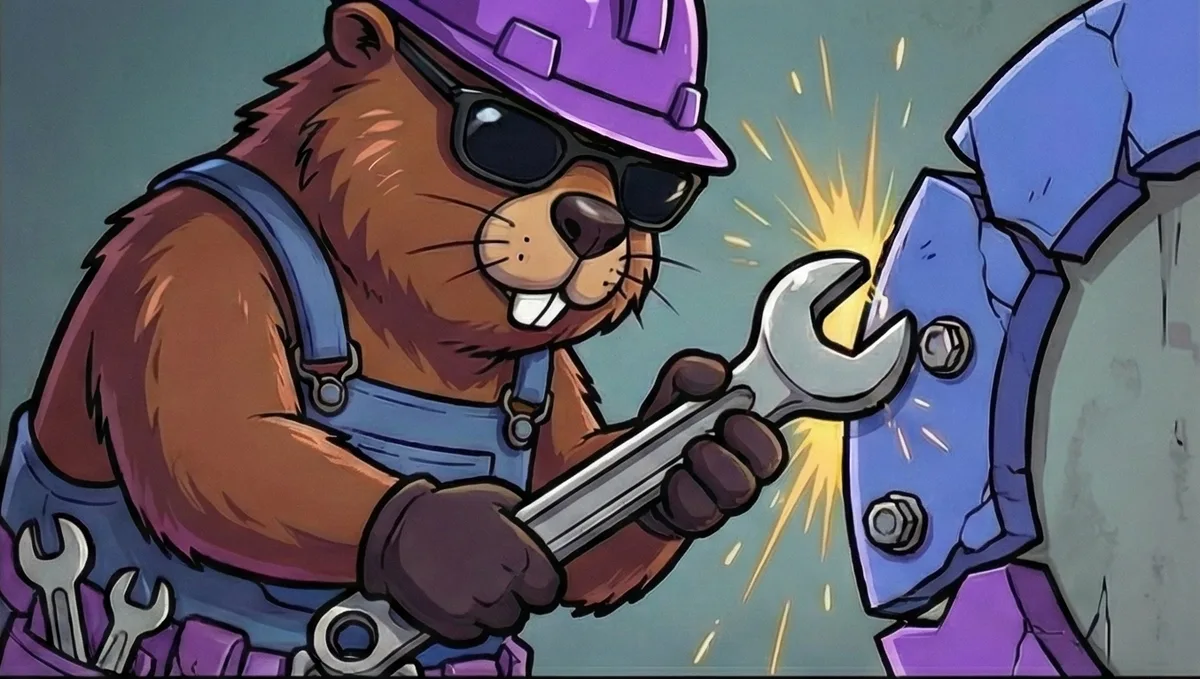 09
09Fixing it, bolt by bolt, with sparks flying 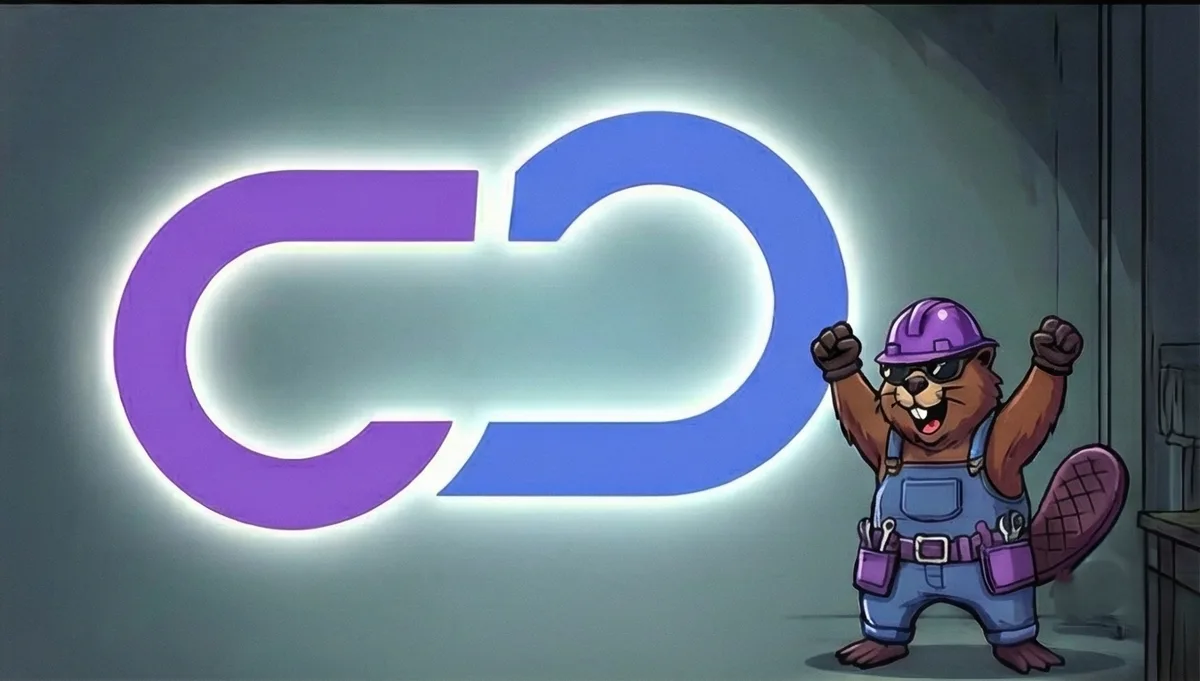 10
10The logo restored and glowing, and the beaver celebrating
Read in order, the ten panels tell the whole story: a quiet moment, an alarm, a sprint, a broken logo, a repair, and a celebration. The video was built from these shots.
Step 2: Frame by frame, with a first and last frame#
For each shot in the storyboard, I created two images: the first frame and the end frame.
Then I used generative AI tools to produce the video between them. The tool gets the starting image and the ending image, and generates the movement that connects the two.
This matters because it keeps control with you. You decide where each shot starts and where it ends, so the beaver does what the storyboard says, and the character looks the same from shot to shot. That consistency is what makes a mascot feel like a character and not a different animal in every clip.
Step 3: Cut it into one video#
The tools only made the individual shots. The video itself came from the edit.
I cut the generated clips together in a normal editor: choosing the best part of each shot, setting the order and the timing, and shaping the whole thing into a vibe. Not a trailer for a product, but a welcome: the feeling of being invited to the new retreat.
Here is the final teaser, as it went out on our Instagram:
The result#
People were impressed. When I started, the beaver had been accepted as our character, but a video made it feel alive. Our client was very impressed when they saw it, and the team gave us really good feedback.
That is the main thing I learned: a mascot in still images gets a nod. A mascot in a well-made video gets a reaction.
What I would tell anyone doing this#
- Write the story first. A panic, a rebuild and a welcome is enough. Simple stories cut together well.
- Storyboard every shot. It saves you from generating clips you will never use.
- Control both ends of a shot. A first frame and an end frame keep the action and the character under your control.
- Treat AI clips as raw footage. The edit is where it becomes a video.
- Keep the character consistent. Same outfit, same colours, same face, every shot.
If you want a brand character, a teaser or a short story video for your company, share a short brief through the project form on this site and we can scope it together. You can also read about the video editing service or browse more case studies.
- video-editing
- branding
- generative-ai
Common questions
Why storyboard before generating anything?
AI video tools produce clips, not stories. A storyboard decides what happens in each shot before you spend time generating, so the clips cut together into a story instead of a pile of random moments.
What does generating from a first frame and last frame mean?
You give the tool the image where a shot starts and the image where it ends, and it generates the movement in between. Because you decide both ends, you control the action instead of hoping for the right result.
Did the whole video come out of an AI tool?
No. The tools generated the individual shots. The edit, the order, the timing and the feel came from cutting those shots together in a normal video editor.
Why use a mascot in a video at all?
A character gives a company a face and a personality. People remember and share a character far more easily than a logo or an announcement.
Do I need to be an animator to do this?
No, but you need to be able to draw or design the key frames, write a short story and edit. The skills that matter are storyboarding and editing, more than operating any single AI tool.
Share this
One click opens LinkedIn with a ready-written post: a hook, the short version of this guide and the link. The caption is also copied, so you can paste it if it does not appear.
Instagram has no web share link, so this gives you both pieces: copy the caption, save the card, then post it.
Keep reading
10 Video Editing Tips for Reels That Hold Attention
Ten practical video editing tips for Instagram Reels and short videos: strong hooks, pacing, captions, sound and framing.
10 Logo and Branding Mistakes Small Businesses Make
Ten common logo and branding mistakes small businesses make, from too many fonts to inconsistent colours, and how to fix each one.
How I Designed Concept Dash's Beaver Mascot (From Hand-Drawn Sketch to Brand Character)
How the Concept Dash beaver mascot started: why a beaver, why denim and a hard hat, the hand-drawn sketches, the different poses, and how it was launched on Instagram.
Got this problem too?
Reels, podcasts and brand films, cut for pacing, colour and sound.