In short
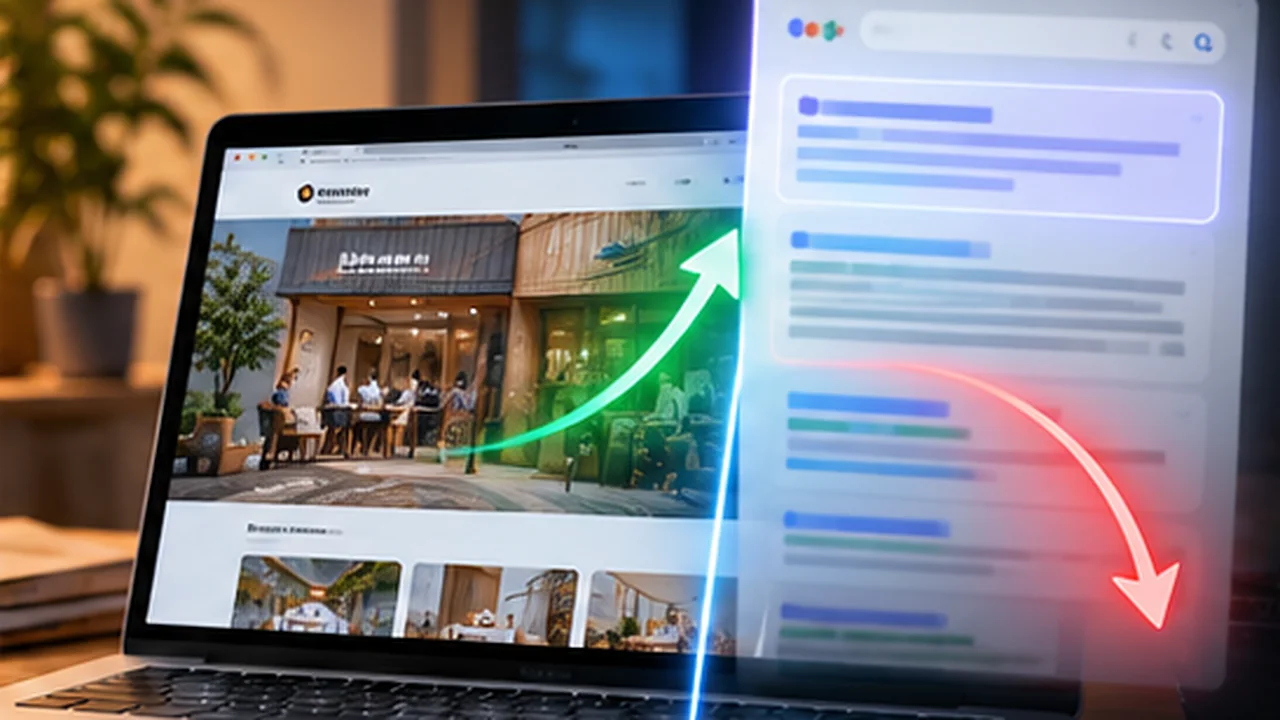
Google now shows AI-written answers above or instead of the usual list of links. Small business owners hear that SEO is dead, or that they need a special trick, and neither is useful.
Treat AI Overviews and AI Mode as another place your page can be quoted. Write direct answers, keep the facts on the page consistent, make sure the pages are crawlable and indexed, and measure in Search Console instead of guessing.
Google's AI Overviews and AI Mode answer a question directly on the results page, using information from pages Google has indexed. For a small business site the practical response is not a trick. It is making sure your pages are indexed, answer questions directly, and say the same true things everywhere.
What they are, in plain words#
- AI Overviews are a short AI-written summary that can appear above the usual list of links. They are produced for some searches, not all.
- AI Mode is a separate way to search. You type a question, get a longer answer, and ask follow-up questions in the same conversation. Links to sources appear alongside.
Both are built on the same thing as normal search: the pages Google has found, crawled and indexed. That detail is the key to what you should do.
Step zero: be indexed#
If a page is not in Google's index, it cannot show up in a result, an Overview or an AI Mode answer. This is where a lot of new sites stall.
On this site I hit exactly that: Search Console showed "Crawled - currently not indexed" because the pages had too little content in the HTML Google received. The cause and fix are in Crawled, currently not indexed: the cause was 173 words. If your pages are not indexed, fix that before thinking about AI features at all.
What to change on the page#
1. Put the answer first#
Open each page with the direct answer to the question in the title, in the first two or three sentences. People skim, and so do systems that pick a passage to quote. A page that makes you scroll through a story to find the answer is harder to quote.
2. Write one question per page#
A page that tries to answer ten things answers none of them well. Give each main question its own page, with a title that matches how people ask it.
3. Add real FAQs#
Add three to five questions the way customers actually ask them, with short, complete answers that make sense on their own. Use real questions from your enquiries and calls, not invented ones.
4. Keep your facts identical everywhere#
Your name, address, services and prices should read the same on your site, your Google Business Profile and your social profiles. Conflicting details make it harder for any system to trust what it reads. For the local side, see 10 local SEO tips for small businesses in India.
5. Show proof, not adjectives#
"Experienced and affordable" is not quotable. "Built the website for a Canada-based engineering firm" is. Specific, checkable statements are what get cited. Do not invent them: a claim you cannot back up is a liability, not an asset.
What not to bother with#
- "AI SEO" packages that promise to put you in AI answers. Nobody controls what an AI system chooses to quote.
- Stuffing pages with keywords written for machines. It makes the page worse for the person reading it, which is who the page is for.
- Expecting a file to do the work. A file such as llms.txt is cheap to add, but it is not a ranking lever.
Measure, do not guess#
In Search Console, open the Performance report and look at queries and pages over a few weeks. Watch for pages that get many impressions but few clicks, because those are where an answer on the results page may be enough for the searcher. The fix there is usually a clearer title, or a page that offers something the summary cannot, such as a price, a tool or a quote.
Google's documentation says clicks and impressions from AI features are included in the normal Web totals rather than split out. Check the current documentation, since Google changes this area often.
The honest summary#
Nothing about AI Mode replaces the basics. Get indexed, answer the question clearly, keep your facts true and consistent, and measure what happens. If you want a site built with that structure from the start, see the SEO for websites page, which is honest about scope and does not promise rankings.
- seo
- ai-search
- small-business
Common questions
What is the difference between AI Overviews and AI Mode?
AI Overviews are a short AI-written summary that can appear at the top of a normal Google results page. AI Mode is a separate, conversational way of searching where you ask follow-up questions and get longer answers with links. Both draw on pages Google has indexed.
Do AI Overviews reduce clicks to my website?
It depends on the query. When a quick answer is enough, some people will not click. For questions that need a service, a price or a decision, people still visit sites. Measure your own clicks and impressions in Search Console rather than trusting a general claim.
Is there a special way to optimise for AI Mode?
Google has said the same fundamentals apply: helpful, original pages that are crawlable and indexed. There is no separate tag or file that guarantees inclusion. Anyone selling a secret trick is guessing.
Do I need an llms.txt file?
It is harmless and cheap, and some AI tools may read it, but do not expect it to change Google rankings. This site publishes one as an experiment, not as a ranking factor.
Can I see AI Mode traffic in Search Console?
Google's documentation says clicks and impressions from AI features are counted in the normal Web results in the Performance report, so there is no separate filter for them. Check Google's current documentation, because this area changes.
Share this
One click opens LinkedIn with a ready-written post: a hook, the short version of this guide and the link. The caption is also copied, so you can paste it if it does not appear.
Instagram has no web share link, so this gives you both pieces: copy the caption, save the card, then post it.
Keep reading
How to Turn Off Google AI Overviews (And Why You Can't Fully)
Google has no official switch to turn off AI Overviews. The workarounds people report in 2026: the Web filter, the udm=14 trick and a custom default engine.
10 Google Business Profile Optimization Tips
Ten Google Business Profile optimization tips to rank higher in local search and win more calls, from categories and description to photos and reviews.
10 Local SEO Tips for Small Businesses in India
Ten practical local SEO tips for Indian small businesses: Google Business Profile, reviews, city pages, citations and mobile speed, in plain language.
Got this problem too?
Websites, web apps and SaaS products in React and Next.js, with the backend, payments and integrations they need to actually run a business.